TP-Link Deco XE75 Review – AXE5400 Tri-Band Mesh Wi-Fi 6E System Review UK 2026 — Worth It?
 By Cpt. CROW Published it
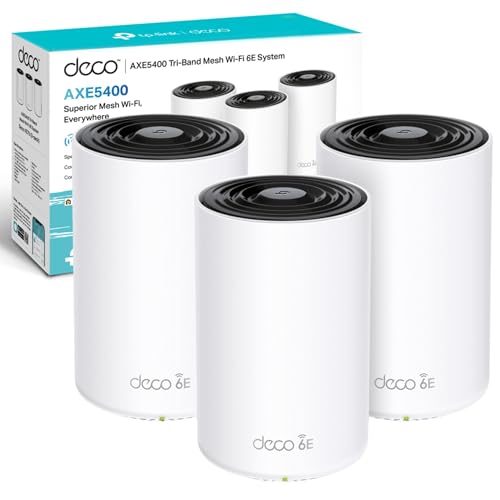
 ⚡ Quick Verdict: TP-Link Deco XE75 brings Wi-Fi 6E tri-band mesh networking to the home. The 6GHz backhaul eliminates congestion and delivers blistering speeds across large.
Opens amazon.co.uk · Prices subject to change
✓ What We Love
- Wi-Fi 6E 6GHz band provides a clean, uncongested backhaul between nodes
- AXE5400 combined speeds cover large homes and multi-storey properties
- Seamless roaming — devices hand off between nodes without dropouts
- TP-Link Deco app provides easy setup and network management
- Supports up to 200 devices across the mesh network
! Worth Knowing
- Premium price vs standard Wi-Fi 6 mesh systems
- 6GHz band requires Wi-Fi 6E capable client devices to benefit
Mesh Wi-Fi has transformed home networking, and Wi-Fi 6E represents the current peak of consumer mesh technology. The TP-Link Deco XE75 brings the 6GHz band to an accessible price point, and the difference it makes to mesh performance is substantial.
The core advantage of Wi-Fi 6E mesh systems is using the 6GHz band exclusively for inter-node communication (the backhaul). In conventional tri-band mesh systems the backhaul shares 5GHz spectrum with client devices. In the XE75, the 6GHz band is dedicated to node-to-node traffic — meaning the 2.4GHz and 5GHz bands are completely available for your devices, and the backhaul has a clean, uncongested channel with plenty of headroom.
The practical result is lower latency, higher throughput at mesh nodes furthest from the router, and more consistent performance when many devices are connected simultaneously. In a three-node setup covering a large home, the second and third nodes perform dramatically better than equivalent Wi-Fi 5 or standard Wi-Fi 6 mesh units.
Setup is straightforward through the Deco app: plug in the first unit, connect to broadband, add additional nodes by following in-app instructions. The app handles all the configuration intelligently — you don't need to touch router settings manually.
Seamless roaming works well. Devices moving through the property hand off between nodes without noticeably dropping connections, which matters for video calls, streaming and smart home devices that need persistent connections.
For large properties, multi-storey homes, or anyone struggling with Wi-Fi dead zones, the Deco XE75 is among the best solutions available today.
Frequently Asked Questions
Do I need Wi-Fi 6E devices to benefit from the Deco XE75?
How many units do I need for a typical 3-bed house?
Can it replace my ISP router?
Does it support wired backhaul?
Ready to Buy?
Check the latest price on Amazon UK — free delivery with Prime.
Check Price on Amazon — ~£299.99Opens amazon.co.uk · Prices subject to change
Related Reviews
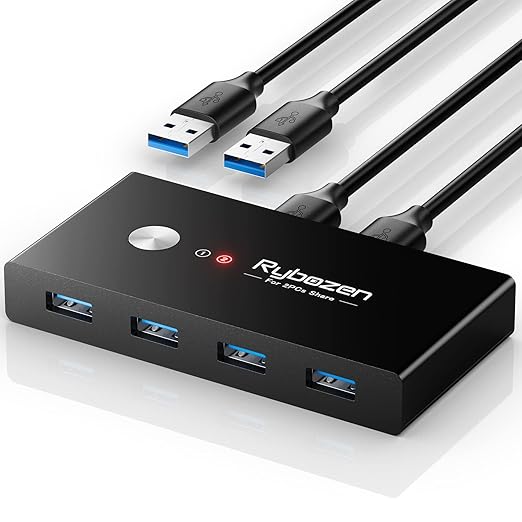
Anker USB Switch Review – 2-Computer USB 3.0 Peripheral Switch
Anker's USB switch lets you share USB peripherals between two computers with one button press. No software or drivers — plug in and share keyboards, mice.
Check Price on Amazon →
Ubiquiti UniFi U6 Lite Review – Wi-Fi 6 Access Point for Home and Office
The UniFi U6 Lite delivers Wi-Fi 6 dual-band coverage for up to 300 devices. Part of Ubiquiti's professional UniFi ecosystem — exceptional performance and.
Check Price on Amazon →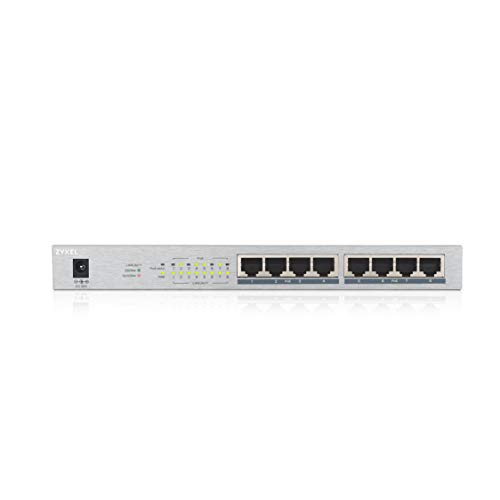
Zyxel GS1008HP PoE+ Switch Review – 8-Port Gigabit Unmanaged PoE+ Switch
Zyxel GS1008HP provides 8 Gigabit PoE+ ports with a 120W power budget — ideal for powering access points, IP cameras, VoIP phones and UniFi hardware without a.
Check Price on Amazon →