Anker USB Switch Review – 2-Computer USB 3.0 Peripheral Switch Review UK 2026 — Worth It?
 By Cpt. CROW Published it
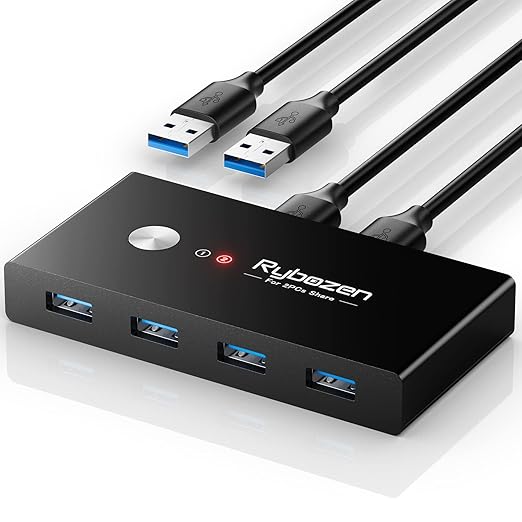
 ⚡ Quick Verdict: Anker's USB switch lets you share USB peripherals between two computers with one button press. No software or drivers — plug in and share keyboards, mice.
Opens amazon.co.uk · Prices subject to change
✓ What We Love
- Share up to 4 USB peripherals between two computers with a single button press
- USB 3.0 (5Gbps) supports fast data transfer for shared drives
- No drivers or software required — true plug-and-play
- Compact desktop footprint
- Works with Windows, Mac and Linux without configuration
! Worth Knowing
- Physical button press required to switch — no hotkey support built in
- Does not switch display output (video) — for that you need a full KVM switch
Sharing peripherals between two computers is a common need for home office setups with a personal laptop and a work machine, or a desktop and a laptop side by side. Anker's USB switch provides the simplest possible solution: press a button, all four USB ports switch to the other machine.
The setup is genuinely zero configuration. Plug the two USB-A host cables into your two computers, plug your peripherals (keyboard, mouse, USB hub, external drive, etc.) into the four downstream ports, and both computers recognise the attached devices normally. Press the button on top to switch everything to the other machine. No software, no drivers, no settings to configure.
USB 3.0 at 5Gbps means a shared external hard drive or SSD transfers at full USB 3.0 speed to whichever machine has control — useful for accessing a shared working files drive from either computer without physically unplugging and replugging.
The compact unit sits neatly on a desk or can be positioned within easy reach for regular switching. An LED indicator shows which computer currently has control.
The main limitation to be clear about: this switches USB peripherals only. It does not switch monitor display signal. If you want to switch a monitor as well as peripherals from one button, you need a full KVM (Keyboard, Video, Mouse) switch. For users who have separate monitors per machine or a single monitor with two inputs (and switch via the monitor), this USB switch is a cleaner, lower-cost option that handles the peripheral side perfectly.
Frequently Asked Questions
Can I use this to share a keyboard and mouse between two PCs?
Does it switch the monitor/display too?
Is there a delay when switching?
Does it work with a Mac and Windows PC simultaneously?
Ready to Buy?
Check the latest price on Amazon UK — free delivery with Prime.
Check Price on Amazon — ~£29.99Opens amazon.co.uk · Prices subject to change
Related Reviews
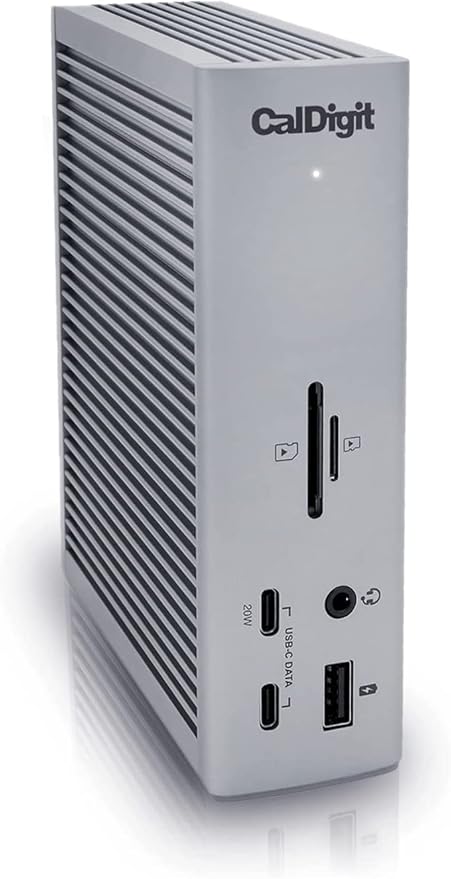
CalDigit TS4 Thunderbolt 4 Dock Review – 18 Ports, 98W Charging
CalDigit TS4 is the gold-standard Thunderbolt 4 dock with 18 ports including 2.5G Ethernet, 3x Thunderbolt 4, SD card reader and 98W laptop charging. One.
Check Price on Amazon →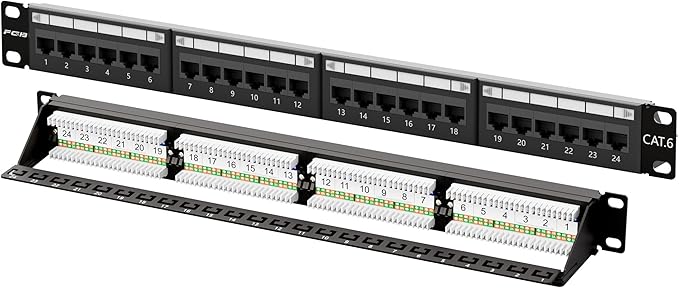
24-Port Cat6 Patch Panel Review – 1U Rackmount Network Patch Panel
A 24-port Cat6 patch panel provides a clean, structured cable termination point for home labs and small office network cabinets. Essential for organised.
Check Price on Amazon →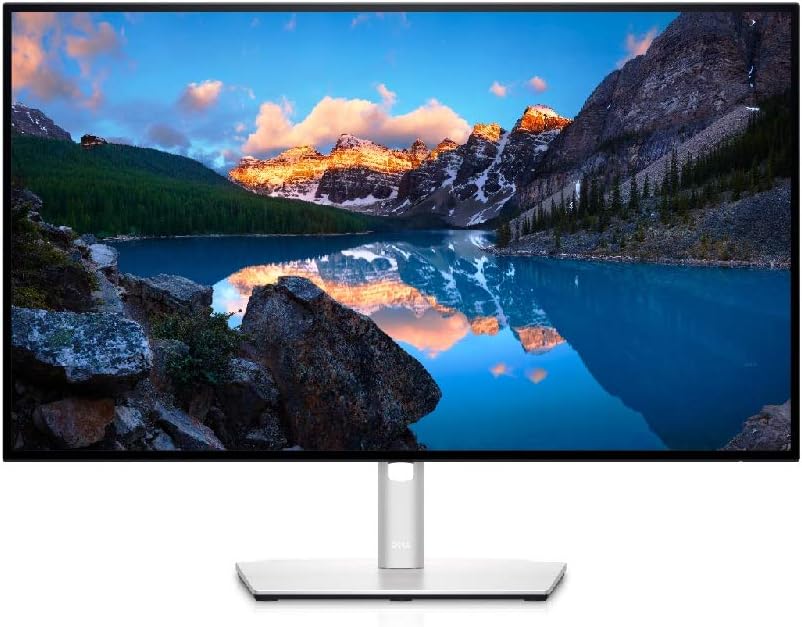
Dell UltraSharp U2722D Review – 27-inch 4K USB-C Monitor
Dell's UltraSharp U2722D is a 27-inch 4K IPS monitor with USB-C 90W charging. Exceptional colour accuracy, sharp detail and a thoughtful port selection make.
Check Price on Amazon →